Wispr Flow vs Otter: Which tool is right for you? (Updated December 2025)

TL;DR:
- Wispr Flow is a universal AI-powered dictation platform designed to work seamlessly across all your apps, boosting individual productivity by allowing you to speak instead of type anywhere on your device. It offers advanced context-aware editing, custom vocabulary learning, and integrates deeply into professional workflows, including coding and medical documentation.
- Otter is a meeting transcription tool focused on capturing, transcribing, and summarizing multi-speaker conversations in real time. It excels in team settings for recording Zoom calls, generating searchable archives, and providing automated meeting notes with speaker identification.
- Choose Otter if your primary need is accurate transcription of team meetings, interviews, and collaborative discussions with features tailored for group settings.
- Choose Wispr Flow if you want a powerful dictation assistant that integrates everywhere you type, ideal for individual professionals seeking to increase writing speed, reduce typing strain, and maintain workflow without switching apps.
- The key difference: Otter transcribes meetings; Wispr Flow transforms personal dictation into polished text across all your applications.
If you've been searching for a faster way to get your thoughts into text, you've probably encountered both Wispr Flow and Otter. While they both use AI to convert speech into writing, they're built for fundamentally different purposes.
Otter is a meeting transcription tool designed to capture conversations in real time. Wispr Flow is an AI-powered dictation platform that works everywhere you type.
Understanding this distinction matters because choosing the wrong tool means working against your natural workflow instead of with it.
What Otter does well
Otter excels at its core function: transcribing meetings and group conversations. It captures multiple speakers, generates summaries, and creates searchable records of discussions. For teams that need to document Zoom calls, in-person meetings, or interviews, Otter provides a reliable solution.
The platform integrates with video conferencing tools and offers features like speaker identification and automated meeting notes. If your primary need is recording and reviewing conversations, Otter delivers solid functionality.
Where Otter falls short for dictation
The challenge emerges when you try to use Otter for individual dictation work. Meeting transcription and personal dictation require different approaches.
Otter operates as a standalone application. You speak into Otter, then copy and paste the text into your actual workspace. This creates friction at the exact moment you're trying to maintain flow. Every copy-paste breaks your concentration and reminds you that you're using a workaround, not a purpose-built solution.
The platform also lacks context awareness for professional work. It doesn't recognize technical terminology, programming jargon, or industry-specific language without extensive manual correction. For developers, writers, and professionals who need precision, this becomes a constant source of frustration.
How Wispr Flow approaches dictation differently
Flow was built from the ground up as a dictation platform. The core difference is universal integration. Flow works across every application on your computer without switching contexts or copying text between windows.
You're drafting an email in Gmail, documenting code in Cursor, updating tasks in Linear, or writing notes in Notion. Flow simply works wherever your cursor is. No separate app, no export process, no workflow disruption.
This universal approach means you can maintain your existing tools and habits while dramatically increasing your output speed. The average person types 40 words per minute but speaks 150. Flow removes the bottleneck without changing how you work.
AI-powered editing that understands context
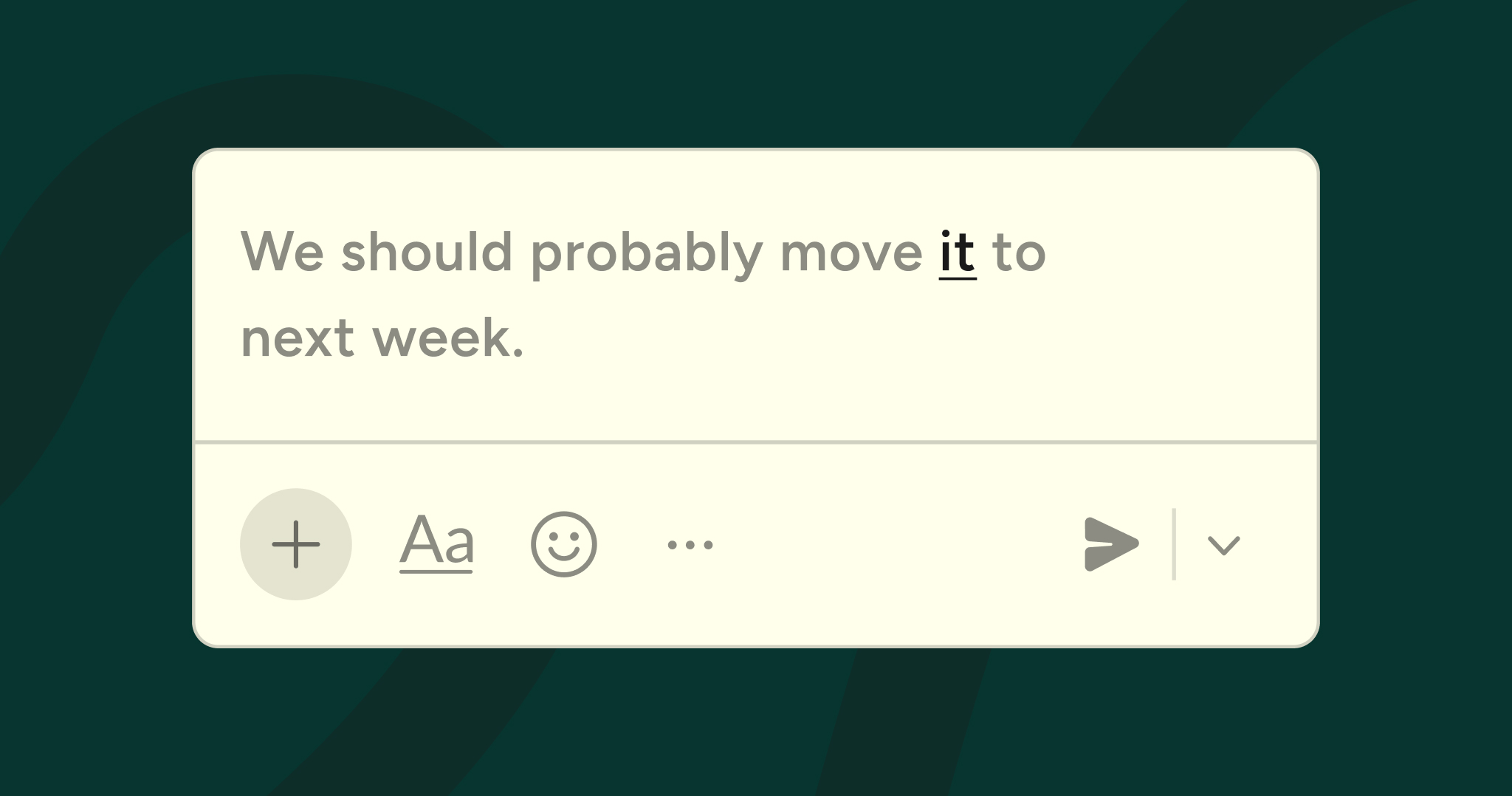
Flow doesn't just transcribe your words. It actively improves them as you speak, even in Microsoft Teams.
The platform automatically formats your text, corrects grammar, and structures your thoughts into clear paragraphs. You can speak naturally, including verbal edits and corrections, and Flow processes everything into clean, professional output.
More importantly, Flow learns your unique vocabulary. The custom dictionary feature adapts to technical terms, proper nouns, and specialized language specific to your field. For developers, this includes programming terminology and variable recognition in tools like Cursor, Windsurf, and GitHub. Flow understands camelCase, snake_case, and technical acronyms without requiring manual training.
Healthcare professionals benefit from HIPAA compliance and medical terminology recognition. Business teams get SOC 2 Type II certified security alongside natural language processing that understands their industry context.
Features that eliminate friction
Flow includes capabilities designed specifically for professional dictation workflows.
Saved snippets let you speak a voice shortcut to insert entire blocks of text, code, or formatted content instantly. Instead of typing out repetitive information, you speak a trigger phrase and Flow handles the rest.
File tagging by voice enables you to reference specific documents in development environments without touching your keyboard. Variable recognition means you can dictate code that includes complex naming conventions and Flow captures everything accurately.
The platform works across Mac, Windows, and iOS, ensuring consistent functionality regardless of your device. Whether you're at your desk or mobile, your dictation capability travels with you.
When to choose Otter
Otter remains the better choice for specific use cases. If your primary need involves recording group discussions, capturing multi-speaker conversations, or creating searchable archives of meetings, Otter's specialized features serve those purposes well.
Teams that need automated meeting summaries, collaborative note-taking during calls, or integration with video conferencing platforms will find value in Otter's meeting-focused functionality.
When to choose Wispr Flow
Flow is the superior choice for individual productivity and professional dictation. If you need to write emails faster, document your work more efficiently, or simply reduce the physical strain of typing, Flow delivers immediate results.
Developers who want to dictate code, write documentation, and update issues without leaving their development environment will see dramatic workflow improvements. Writers and content creators can maintain their creative flow without the interruption of manual typing. Business professionals can respond to messages, draft documents, and communicate more efficiently throughout their day.
The platform's universal integration means you're not learning a new tool or changing your workflow. You're simply speaking instead of typing, everywhere you already work.
Making the decision
The fundamental question isn't which tool has more features. It's whether you need meeting transcription or dictation functionality.
Otter serves teams that need to record and review conversations. Wispr Flow serves individuals who need to think and work faster by speaking instead of typing.
If your goal is reducing the friction between your thoughts and your output, if you want to work at the speed of speech rather than the speed of typing, and if you need a solution that integrates seamlessly into your existing workflow, Flow provides the purpose-built platform you're looking for.
The difference between adapting your workflow to a tool and having a tool that adapts to your workflow determines whether technology helps you or hinders you. Flow was designed with that principle as its foundation.
Try Wispr Flow and experience dictation that works everywhere you do.



.jpg)