






Why Reid Hoffman got 'voicepilled' on the future of human-computer interaction
Reid Hoffman, former Cofounder/CEO of LinkedIn and current partner at Greylock, joined Wispr Flow CEO Tanay Kothari on an episode of his podcast Possible to discuss a post-keyboard future.
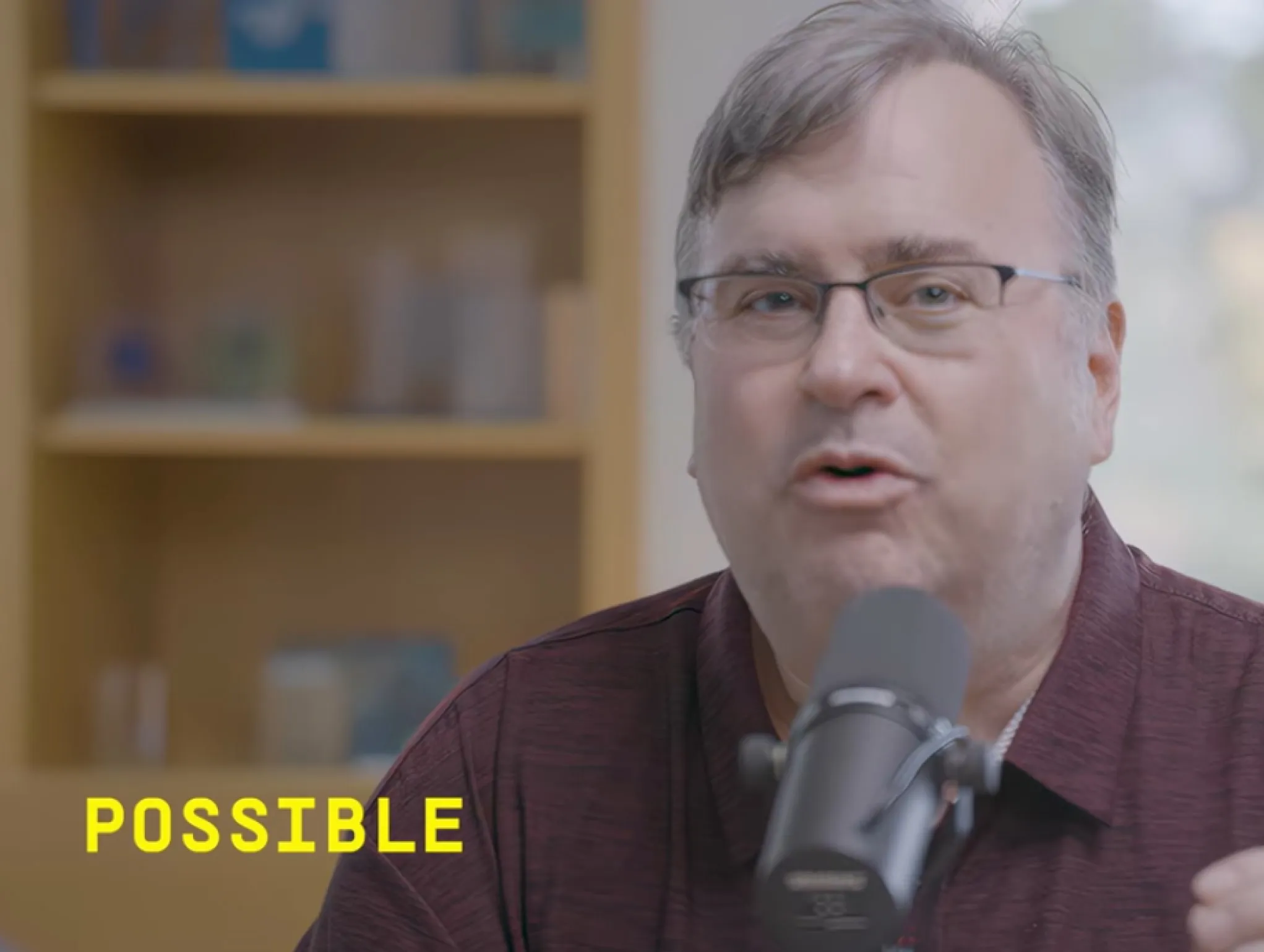

Partner at Greylock Partners
with Wispr Flow CEO Tanay Kothari
Key results
The challenge:
Reid Hoffman frames modern computing around fundamental mismatch:
- Humans think ~400 WPM
- Humans speak ~150 WPM
- Humans type ~40 WPM
Typing also introduces constant micro-decisions (spelling, formatting, structure) that interrupt flow and slow down creation. For many people, keyboards are not just inefficient but exclusionary, requiring skills they never learned or physically can’t use.
"People go from frankly quite skeptical to instantly obsessed with Wispr."
Reid Hoffman
Evaluating Wispr Flow as a solution:
From typing friction → voice as the input layer
In a live conversation and on-stage demo with Wispr Flow’s founder, Reid evaluated whether voice could realistically replace typing as a primary interface — not as a novelty, but as a dependable default.
Before Wispr Flow
- Ideas slow down as soon as fingers hit the keyboard
- Users interrupt themselves to format, edit, and correct
- Voice tools feel unreliable and require cleanup
- Most systems treat voice as transcription, not intent
After Wispr Flow
- Users speak naturally and see clean, structured text appear in ~0.5 seconds
- Output reflects how people meant to write, not word-for-word subtitles
- Messages are trusted enough to send without revision
- Voice works across applications without setup or prompting
‘‘Here are some of the actual words from the biggest Wispr Flow users on our team:
• ‘Everyone I introduced to Wispr Flow buys it.’
• ‘Take Wispr flow away from me and I'm going to be upset’ ’’
Reid Hoffman
Why Wispr Flow over native dictation
Dictation, not transcription
Most tools aim to capture speech word-for-word, like subtitles. Wispr Flow is built for dictation: “I said it like a human. Now write it the way I meant.” That shift is what makes the output usable without editing.
Voice as the input layer
Flow doesn’t bolt voice onto existing workflows. It operates across applications and platforms without prompting or configuration, allowing users to speak naturally instead of learning new interaction patterns.
Accessibility by default
Flow isn’t just a productivity upgrade. It’s a leveling upgrade, with core users including:
- People with dyslexia
- People with motor impairments
- Older users
- Nontechnical users
In the conversation, ~20% of Wispr Flow’s users are described as over 60, using the product with a single button and no configuration.
The results:
During the conversation, Wispr Flow was tested and discussed across real usage scenarios, team adoption, and a live speed comparison.
Key results on stage:
- ~0.5 seconds from speaking to send for dictated messages
- 89% of messages sent with zero edits, up from ~45% earlier in the year
- ~75% of input shifts from keyboard to voice once habits form
- Voice beat a 110+ WPM typist in a live demo
For Reid, these outcomes signal more than incremental productivity gains. They indicate real behavior change: the rare moment when a new interface doesn’t just supplement an old one, but begins to replace it.
That shift is what convinces him that voice, when done right, is not just faster.
It’s a fundamentally better way for humans to interact with computers.
Private & secure
HIPAA-ready on all plans. SOC2 Type II, ISO 27001, and enforced HIPAA compliance available on enterprise plans.



Start flowing
Effortless voice dictation in every application.


