




Privacy first.
Security always.
You choose what Wispr Flow keeps, what it learns from, and when it listens.


.svg)
.svg)
.svg)




You choose what Wispr Flow keeps
On Growth and Enterprise plans, model training is off by default and locked, so nobody can turn it back on.
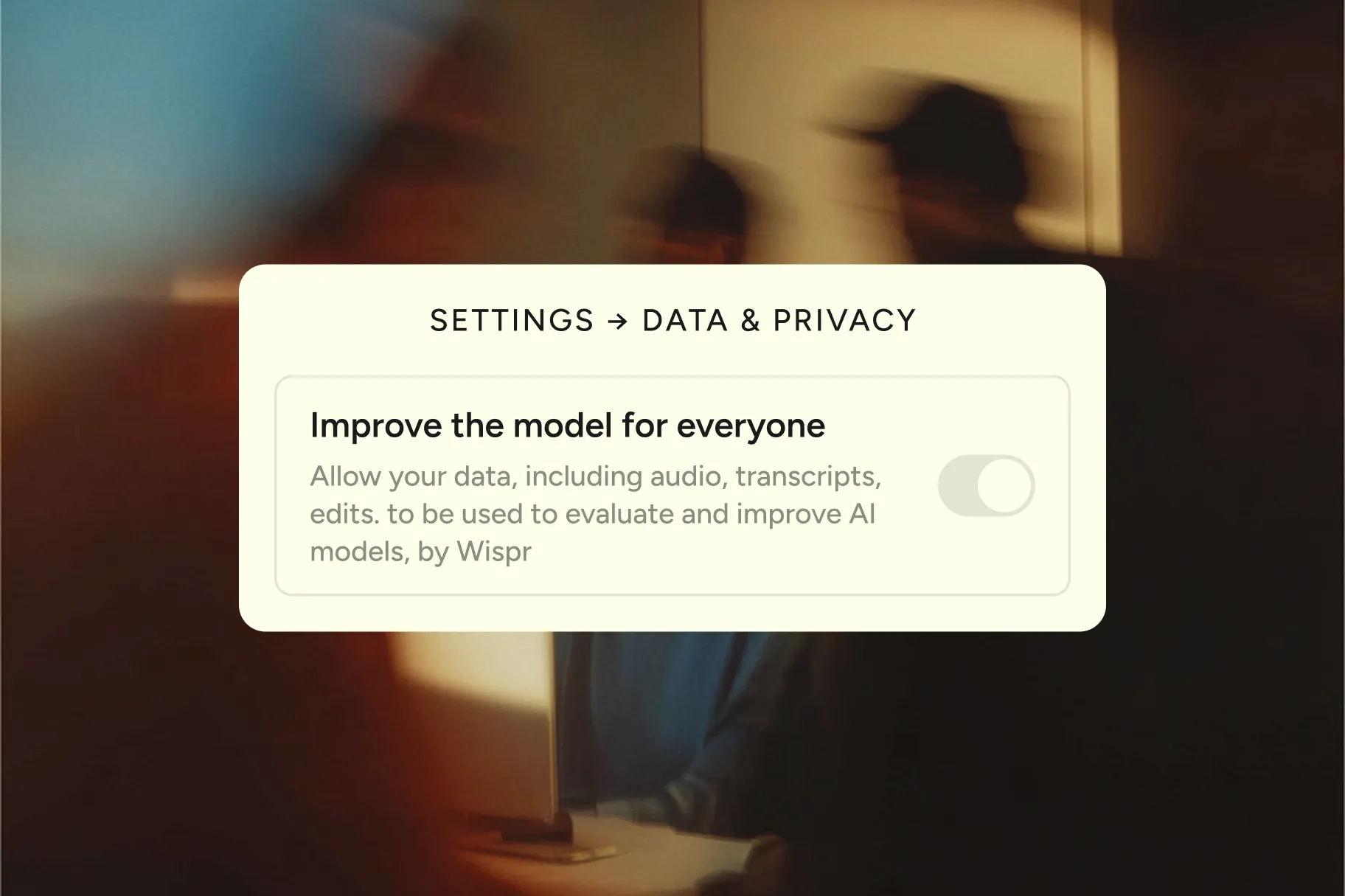
Improve the model for everyone
Lets us use your audio, transcripts, and edits to improve Wispr Flow's models. Covers both Dictation and Notetaker. Turn it off and nothing you say is ever used to train our models.
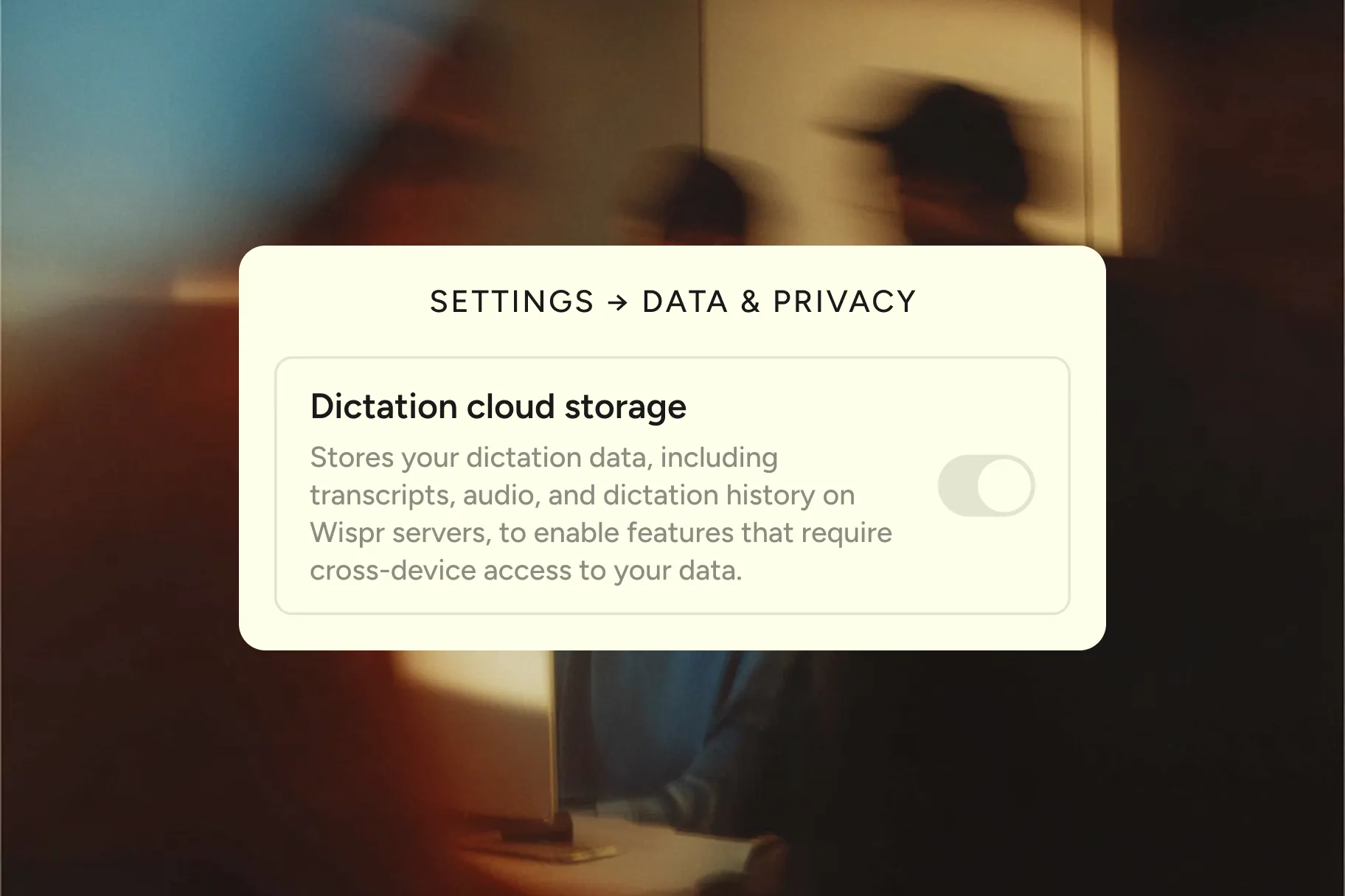
Dictation cloud storage
Stores your dictation transcripts, audio, and history on Wispr servers, so your data is available on all your devices. Turn it off and your dictation stays on your device. Audio is discarded once it's transcribed.
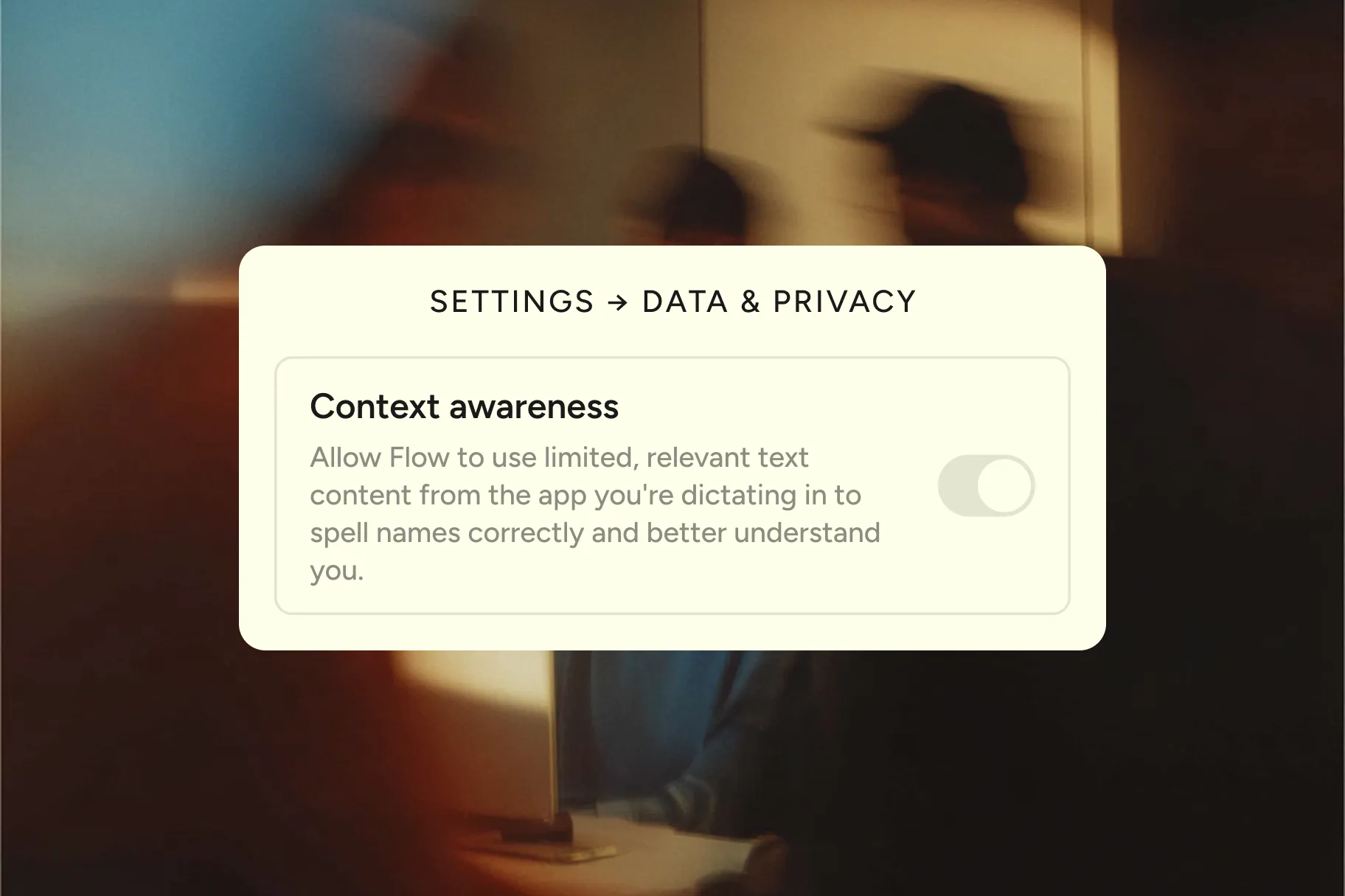
Context awareness
Reads limited text from the app you're dictating into, so names and jargon come out right. Turn it off and Wispr Flow transcribes without reading anything on your screen.
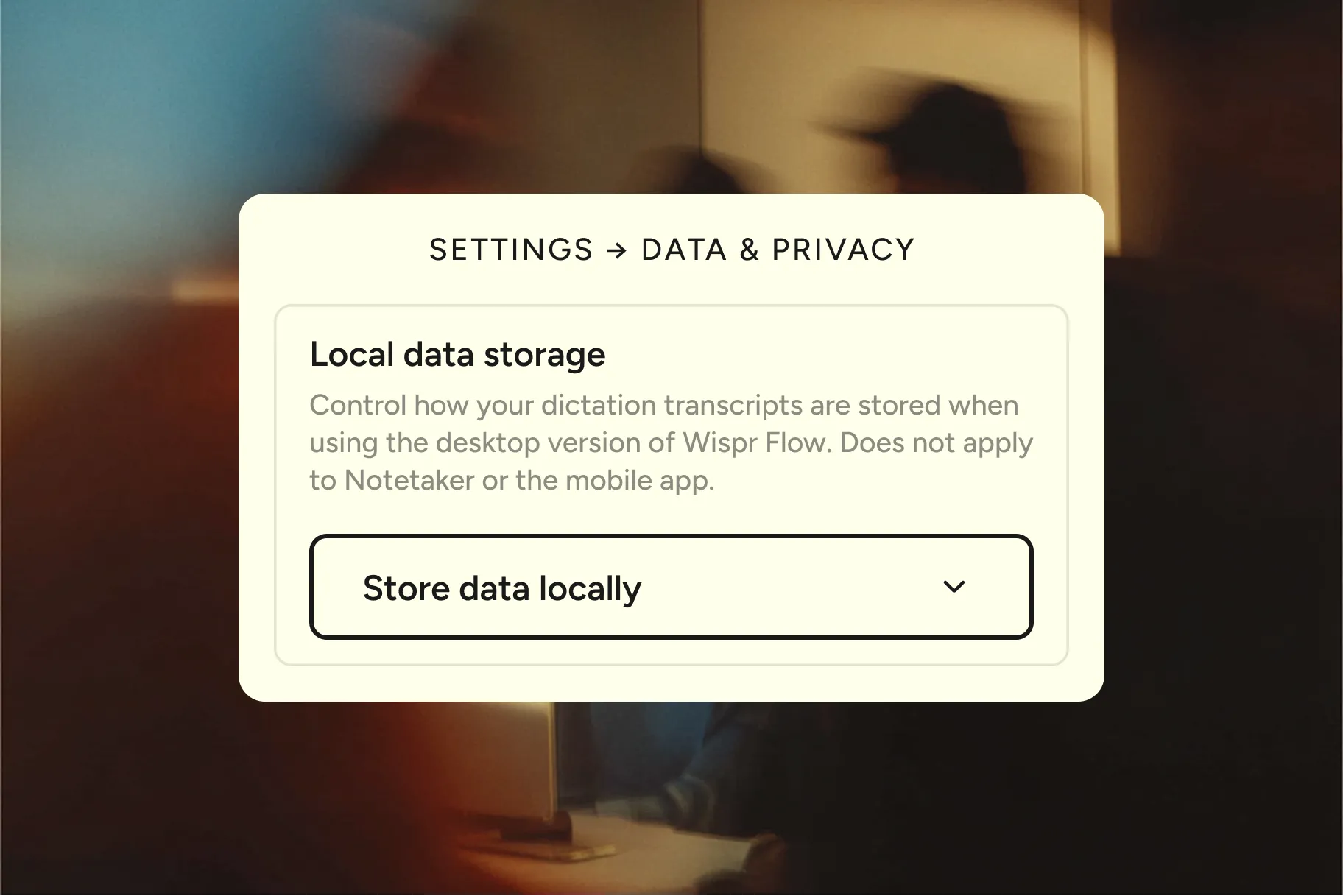
Local data storage
Saves your dictation history on your computer, so you can revisit what you said. Keep it, auto-delete it after 24 hours, or never save it. Mobile history, Notetaker, and cloud storage are managed separately.
Follow a single dictation from the moment you speak
Protected at every step
Encryption is on everywhere by default, in transit and at rest, with nothing for youto configure. Internally, access to customer data is limited to authorized personneland every access is logged.
Encrypted in transit
Every request travels over TLS 1.2+.
No one can intercept what you're dictating, even on public Wi-Fi.
Encrypted at rest
Anything stored is protected with AES-256 on secure cloud servers.
Even in a worst-case scenario, your data would be unreadable.
Least-privilege access
Access is restricted to authorized personnel and logged throughout.
Not even most Wispr employees can read your data.
Deploying Wispr Flow for your team?
Admins can enforce model training policy across the whole org.
We'll walk your security team through our architecture, share our audit reports, and sign what you need.


HIPAA
Sign a Business Associate Agreement to enable HIPAA support for dictation, on any plan. Enterprise admins can enforce it org-wide.
SOC 2 Type II Report
An independent opinion on security, availability, and confidentiality, audited by A-LIGN. Covers every Wispr product on every plan.
ISO 27001 Certification
The international framework for managing and improving information security. Certified by A-LIGN and current across every Wispr product.
We welcome responsible security research.
If you find a vulnerability in Wispr Flow, we pay for it.
Good questions.
Questions
It lets you choose whether Wispr may use your Dictation data—audio, transcripts, and edits—to evaluate, train, or improve AI models. Manage this in Settings > Data and Privacy.
Dictation Cloud Storage controls whether Wispr stores Dictation transcripts, audio, and dictation history on its servers for persistent, cross-device features. Notetaker transcripts are stored in Wispr’s private cloud for cross-device syncing and meeting resumption; you can configure Notetaker transcript retention in Settings > Data and Privacy.
We never sell your data. Our business model is based on selling software, not your information. You own your data.
If you are an individual user, open the app, go to Settings > Data and Privacy, then view and accept the Business Associate Agreement (BAA).
If you are an Enterprise user, you can go to your admin portal and accept the BAA on behalf of your entire organization and enforce HIPAA compliance across your whole team. Watch this video to see how to enable it.
We are SOC 2 Type II certified, which means our security, availability, and privacy practices have been independently audited to meet rigorous industry standards. You can check our live compliance report at any time here.
Your data is encrypted in transit (while it’s moving) and at rest (while it’s stored). We use secure cloud servers and limit access to authorized personnel only. Transcription always happens in the cloud to provide the best speed and accuracy.
Yes. Enterprise plans include SSO/SAML integration so your team can securely access Wispr Flow with your organization’s existing identity provider.
Answer
{{FAQ Answer}}
{{FAQ Answer}}
{{FAQ Answer}}
{{FAQ Answer}}
{{FAQ Answer}}
{{FAQ Answer}}
{{FAQ Answer}}
{{FAQ Answer}}
{{FAQ Answer}}
{{FAQ Answer}}
{{FAQ Answer}}
{{FAQ Answer}}
{{FAQ Answer}}


Dictate in any app, 4x faster than typing, with AI commands and auto-edits. Let Notetaker handle your meetings.

