Top 10 Android apps for students in 2026

TL;DR
Students need apps that help them learn, stay organized, and manage their workload without adding complexity. This guide covers the top 10 Android apps for students: Wispr Flow for 4x faster mobile writing through AI-edited voice input (coming soon to Android), Notion for organizing everything, Forest for staying focused, Squid for handwritten notes, Xodo for PDF annotation, Quizlet for memorization, Zotero for citations, Google Drive for file storage, Wolfram Alpha for STEM problems, and Grammarly for writing. These aren't just popular apps. They're tools that actually help you get better grades and reduce stress.
1. Wispr Flow (coming soon to Android)
Writing papers, taking notes, or composing emails on your phone is slow. Typing on a phone keyboard averages 40 words per minute. Speaking is natural and fast.
Android's built-in voice typing transcribes what you say, including filler words, grammatical errors, and rambling structure. For anything beyond short messages, you end up editing as much as if you'd typed it.
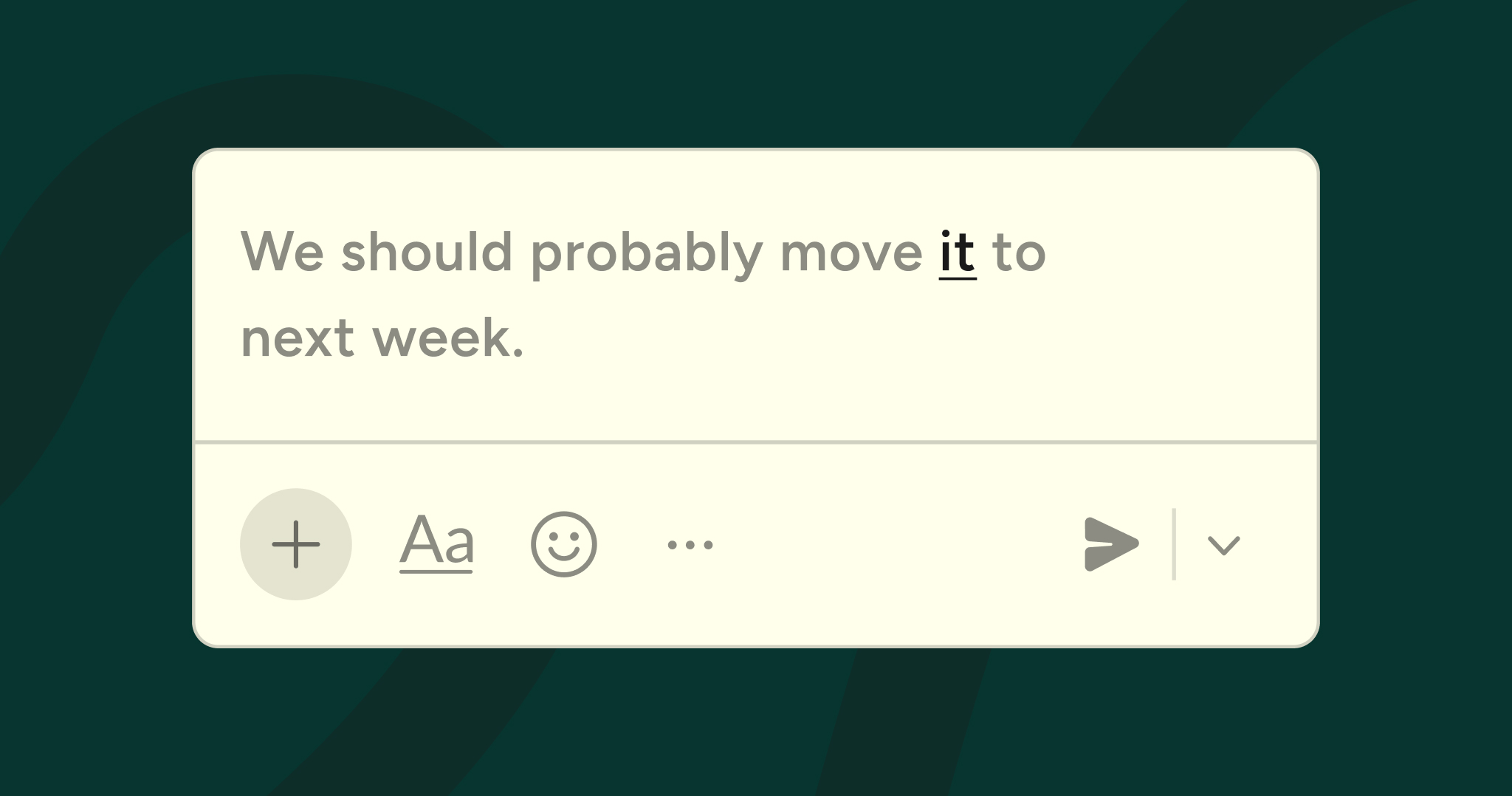
Wispr Flow changes this. It uses AI to automatically edit your speech into polished text. You speak naturally, and Flow produces clean, well-structured writing. This makes it 4x faster than typing.
For students, this is particularly valuable. Capture lecture notes by speaking immediately after class while information is fresh. Draft essay outlines by talking through your argument structure. Write paper sections during commutes or between classes. Compose study guides by speaking your understanding of topics.
The snippet library helps with repetitive academic writing. Create voice-activated templates for paper headers, citation formats, lab report structures, or essay introductions. Say "works cited entry" and your citation template appears. Say "thesis statement format" and your structured template is ready.
Flow learns academic vocabulary. Technical terms, theorists' names, specialized jargon for your major. Flow learns these and spells them correctly. This eliminates the constant frustration of voice typing mangling discipline-specific terminology.
Wispr Flow is currently available on iOS, Mac, Windows, and Android. For students who write extensively on their phones or tablets, download Flow for Android to get started.
2. Notion
Notion works as a complete student workspace. Create databases for courses, assignments, readings, and research. Track deadlines, take notes, organize resources, and manage projects in one place.
The power is in connecting information. Link class notes to assignments. Tag readings by topic across different courses. Create dashboards showing all upcoming deadlines. Build a knowledge base that grows throughout your education.
Templates make setup faster. Student templates for class schedules, assignment trackers, and note-taking systems are available in the template gallery. Notion's learning curve is real, but the investment pays off over semesters and years.
3. Forest
Forest helps you stay focused by gamifying concentration. Set a focus timer, and a virtual tree starts growing. If you leave the app to check social media, your tree dies. Stay focused for the full duration, and your tree grows.
Over time, you build a forest representing your accumulated focus time. The visual representation is surprisingly motivating. Forest partners with Trees for the Future, so you can spend virtual coins to plant real trees.
The app includes allowlists for apps you need during study sessions: calculator apps, reference materials, or productivity tools. Everything else is blocked during focus time.
4. Squid
Squid (formerly Papyrus) provides excellent handwriting support on Android. Write naturally with a stylus, organize notes into notebooks, annotate PDFs, and export to various formats. It's particularly good on Samsung devices with S Pen support.
For students who take handwritten notes, Squid offers the flexibility of digital notes with the familiarity of writing by hand. Handwriting recognition makes your notes searchable. Cloud sync keeps everything accessible across devices.
5. Xodo PDF Reader
Students work with PDFs constantly: textbooks, journal articles, assignment instructions, study guides. Xodo handles PDF viewing, annotation, and editing on Android.
Annotation tools include highlighting, underlining, text comments, and freehand drawing. Mark up readings, add notes to study materials, or annotate assignment drafts. These annotations sync across devices. Form filling works well for PDF forms that some schools still distribute.
6. Quizlet
Quizlet helps with memorization through flashcards, practice tests, and study games. Create your own flashcard sets or use sets created by other students for popular courses and textbooks.
Multiple study modes keep things varied: flashcards, writing exercises, matching games, and practice tests. Spaced repetition ensures you review material before you forget it. The mobile app works well for studying during commutes, between classes, or any spare moment.
7. Zotero
Managing research sources becomes essential for longer papers and research projects. Zotero collects, organizes, and cites sources automatically.
Save sources from web browsers with one click. Zotero extracts citation information automatically. Organize sources into collections by topic or project. Citation generation works in multiple formats: APA, MLA, Chicago, and hundreds of others. Insert citations directly into documents and generate bibliographies automatically.
8. Google Drive
Google Drive provides free storage for documents, spreadsheets, presentations, and files. The integration with Google Docs, Sheets, and Slides makes it the default choice for many students.
Real-time collaboration works seamlessly. Multiple students can edit the same document simultaneously for group projects. Comments and suggestions make peer review straightforward. Version history lets you see changes and restore previous versions. Offline access ensures you can work without internet.
9. Wolfram Alpha
Wolfram Alpha is essential for STEM students. It's a computational knowledge engine that solves math problems, plots functions, analyzes data, and answers science questions.
Enter math problems and see step-by-step solutions. Plot complex functions. Solve equations. Perform calculus operations. The explanations help you understand the process, not just get answers. Beyond math, Wolfram Alpha covers physics, chemistry, engineering, and statistics.
10. Grammarly
Grammarly catches grammar mistakes, spelling errors, and awkward phrasing. The keyboard app works across all Android apps where you write: emails, documents, messaging.
Real-time suggestions appear as you type. Tap suggestions to accept them. The free version handles basic grammar and spelling. For students writing papers, emails to professors, or any formal communication, Grammarly reduces errors and improves clarity.
Conclusion
The best student apps solve real problems without adding complexity. Notion keeps you organized. Forest protects your focus. Squid handles handwritten notes. Xodo manages PDFs. Quizlet aids memorization. Zotero handles citations. Google Drive stores files. Wolfram Alpha solves STEM problems. Grammarly fixes writing errors.
The biggest productivity gain comes from Wispr Flow. Voice input with AI editing makes mobile writing 4x faster than typing. For students facing constant writing demands across multiple courses, faster writing means less stress and more time for actual learning. Download Wispr Flow on Android, or get it on iOS, Mac, or Windows.



.jpg)