How Wispr Flow helps reduce repetitive strain injuries while coding

TLDR: Wispr Flow is a voice dictation platform that helps software engineers reduce repetitive strain injuries by enabling hands free coding. Speaking code instead of typing minimizes wrist and finger strain, supports better ergonomics, and boosts productivity. It works seamlessly across popular code editors and web apps, making it easier to write code pain free and maintain focus during long coding sessions.
The challenges of coding and repetitive strain injuries
Continuous use of fingers, wrists, arms, and eyes during coding often causes strain and discomfort. Many developers feel pain in their hands or wrists after long sessions at the keyboard. Repetitive strain injuries develop when muscles and tendons are overused, resulting in pain, stiffness, and reduced mobility. For developers, the wrists and forearms are especially vulnerable due to constant typing and mouse movements needed to write code and navigate code editors or web apps.
Ignoring symptoms like wrist pain and discomfort can worsen injuries, sometimes requiring surgery or extended rest. For those suffering from chronic RSI, the experience can be both physically and emotionally draining. RSI hurts your ability to work and can disrupt daily routines. Some people adapt by using other fingers when one is injured, shifting their typing style to reduce pain.
Physical therapists and occupational therapists often recommend strength training, better ergonomics, and taking a break at regular intervals as part of doctor's orders to manage RSI pain effectively. Strategies like working in short intervals, using timers, and listening to your body’s signals can help you remember to take a break and prevent further injury. Contrast baths can also help reduce pain and inflammation associated with RSI, providing relief and aiding recovery.
Worry and emotional stress can contribute to or worsen RSI pain, as carrying heavy things emotionally may manifest as physical discomfort. Understanding the root cause of pain is important for managing RSI effectively.
The importance of ergonomics in software development
Ergonomics is foundational for every software engineer aiming to stay pain free and productive. A well-designed workspace helps prevent repetitive strain injuries by reducing unnecessary stress on your wrists, hands, and arms. Simple adjustments, like proper keyboard and mouse placement, supportive seating, and mindful posture, can make a significant difference in how your body feels after long periods at the computer.
Consulting a physical therapist can help you assess your setup and identify small changes that reduce wrist pain and muscle strain. They may recommend specific stretches or exercises to support your body’s natural movement and prevent injury. By prioritizing ergonomics, you create a healthier environment that supports your ability to write code without discomfort. This proactive approach not only minimizes pain but also helps you maintain focus and flow throughout your workday.
How Wispr Flow reduces physical strain while coding
Wispr Flow’s universal voice-to-text platform offers a hands free coding alternative that minimizes the physical demands of typing. Instead of relying on muscle memory to type every character, you speak your code using natural language or code-specific syntax. This reduces strain on your wrists, fingers, and arms by limiting repetitive movements and improving blood flow. Using voice coding tools can also help developers focus on high-level ideas rather than syntax, enhancing productivity and creativity.
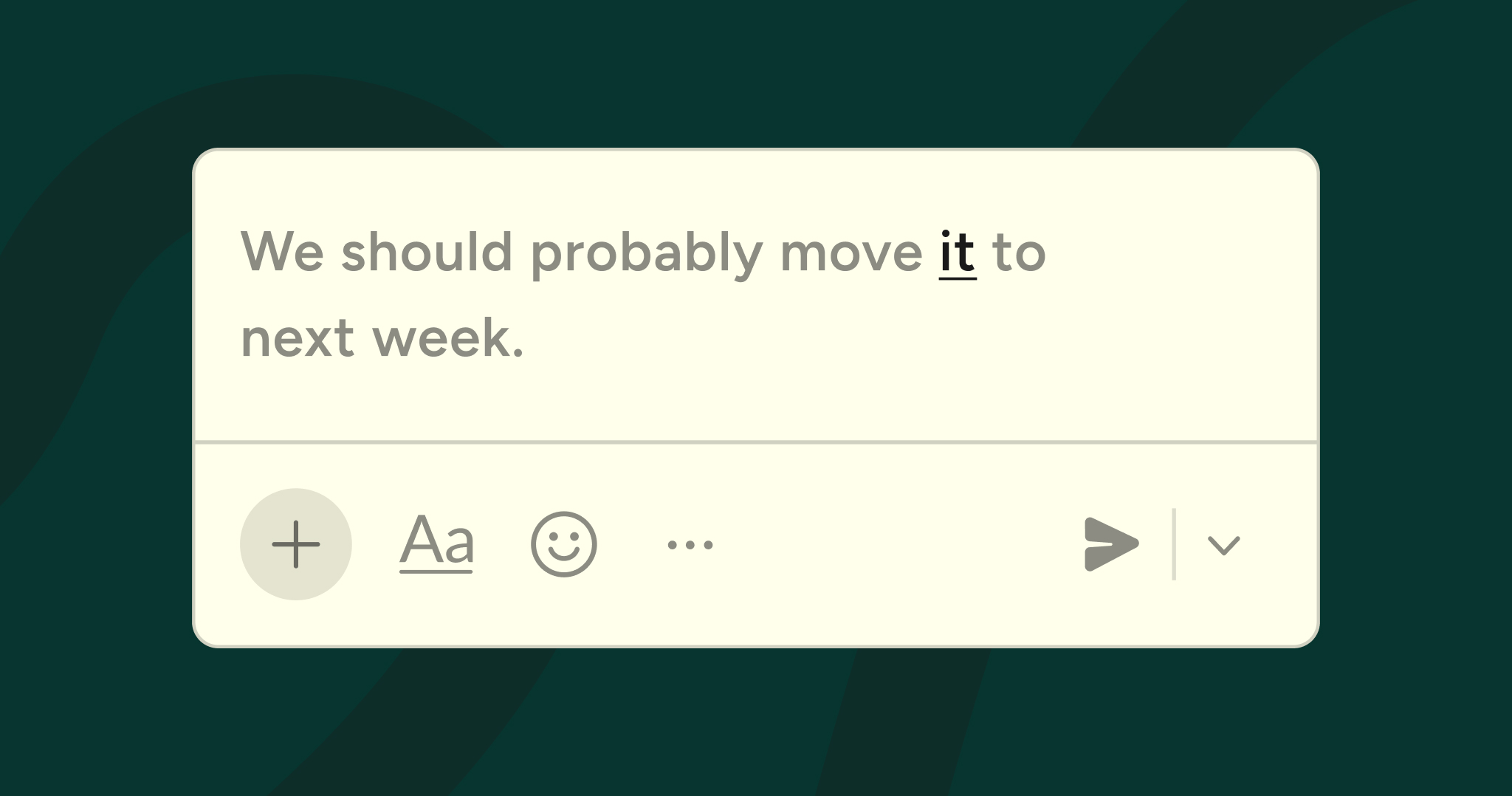
Unlike traditional voice commands or voice control systems that require memorizing menus or trigger words, Wispr Flow focuses on capturing your speech accurately and converting it into clean, formatted text. You can issue a command to perform specific actions, such as transforming selected text to lowercase or commenting out a line of code. For example, saying “format this function” can trigger Flow to clean up indentation and structure in your code block. When the system detects ambiguity in your speech, menu pops appear, letting you select from a list of options to clarify your intent and ensure accuracy. This seamless voice dictation lets you write code without interrupting your flow or navigating complex menus.
Speaking your code also reduces eye strain since you can keep your gaze on the screen or code editor without shifting to the keyboard. This supports better posture and overall comfort during long coding sessions.
Eye tracking technology: a breakthrough for hands-free coding
Eye tracking technology is transforming hands free coding for software engineers. By using an eye tracker, you can control the cursor and interact with your code editor simply by moving your eyes, no keyboard or mouse required. This approach is especially valuable for those managing chronic conditions or recovering from injury, as it reduces repetitive strain and supports a more accessible workflow.
When combined with voice and speech recognition, eye tracking enables you to write code, navigate menus, and manage tasks with minimal physical effort. This technology empowers you to type, point, and select using only your gaze and voice, making it easier to stay productive and pain free. As hands free coding tools continue to evolve, they offer new ways to work efficiently and comfortably, regardless of physical limitations.
Practical benefits of Wispr Flow for software engineers
Using Wispr Flow as your voice dictation tool offers several advantages beyond injury prevention. It accelerates your speed and creativity by capturing ideas as they come without the friction of typing. Wispr Flow’s AI-powered edits and context-aware recognition support unique words, developer jargon, and variable names, making it easier to write complex code accurately. Additionally, tools like Talon Voice and Super Whisper are designed specifically to assist developers in coding without using their hands, further expanding the options for hands free coding.
Its cross-app functionality works across popular web apps and code editors, including Gmail, Slack, Notion, Linear, Cursor, and GitHub. This lets you stay hands free and focused on creating, whether you are drafting emails, managing issues, or writing documentation.
For software engineers recovering from injury or managing chronic conditions, Wispr Flow empowers you to write code pain free. It supports mental health by reducing frustration and physical discomfort, helping you maintain productivity and focus.
Doctor’s guidance: when to seek professional help for RSI
If you feel persistent pain, numbness, or weakness while coding, it’s important to seek guidance from a doctor or occupational therapist. Ignoring rsi pain can lead to more severe symptoms and long-term injury, affecting your ability to work and enjoy daily life. A healthcare professional can diagnose the cause of your pain and recommend a treatment plan tailored to your needs.
Treatment options may include physical therapy, medication, or in some cases, surgery for severe injuries. Early intervention is key to preventing further damage and supporting a pain free recovery. By working with a medical expert, you can address symptoms promptly and develop strategies to protect your health and maintain your ability to code comfortably.
Tips for integrating Wispr Flow into your coding routine
To maximize Wispr Flow’s benefits, consider these best practices:
- Use a high-quality microphone to ensure clear voice input
- Work in a quiet environment to improve speech recognition accuracy
- Take frequent breaks to rest your body and avoid fatigue
- Follow ergonomic guidelines for your workspace, including proper posture and keyboard placement
- Collaborate with a physical therapist or occupational therapist for tailored exercises and strategies
- Combine voice dictation with strength training to support wrist and arm health
- Invest in a good quality microphone to improve transcription accuracy and ensure seamless voice coding.
By integrating Wispr Flow thoughtfully, you create a sustainable coding routine that protects your body and enhances your flow.
Resources for injury management and support
Managing and preventing RSI is easier when you have access to the right resources. Online communities, such as inbox join medium, offer support and practical advice from others who have faced similar challenges. Blog posts, forums, and dedicated websites provide up-to-date information on ergonomics, voice recognition, and speech recognition tools that can help you work pain free.
Many organizations also offer ergonomic accessories and accessibility features designed to reduce strain and support healthy work habits. By exploring these resources, you can find new ways to integrate voice control and voice recognition software into your workflow, stay informed about best practices, and connect with others for encouragement and guidance. Prioritizing your well-being ensures you can continue to create, code, and collaborate without unnecessary pain or interruption.
Conclusion: write code pain free with Wispr Flow
Repetitive strain injuries and wrist pain are common challenges for software engineers who spend long hours typing and using a mouse. Wispr Flow’s voice dictation platform offers a powerful alternative to traditional input methods, reducing physical strain and promoting better ergonomics.
By embracing hands free coding with Wispr Flow, you can write code more comfortably and maintain your ability to create without interruption. This approach supports both your physical health and mental wellbeing, enabling you to focus, work faster, and enjoy a pain free coding experience.
Try Wispr Flow today and see how speaking your code can restore flow to your work and life.



.jpg)