
Wispr Flow Notetaker now goes with you
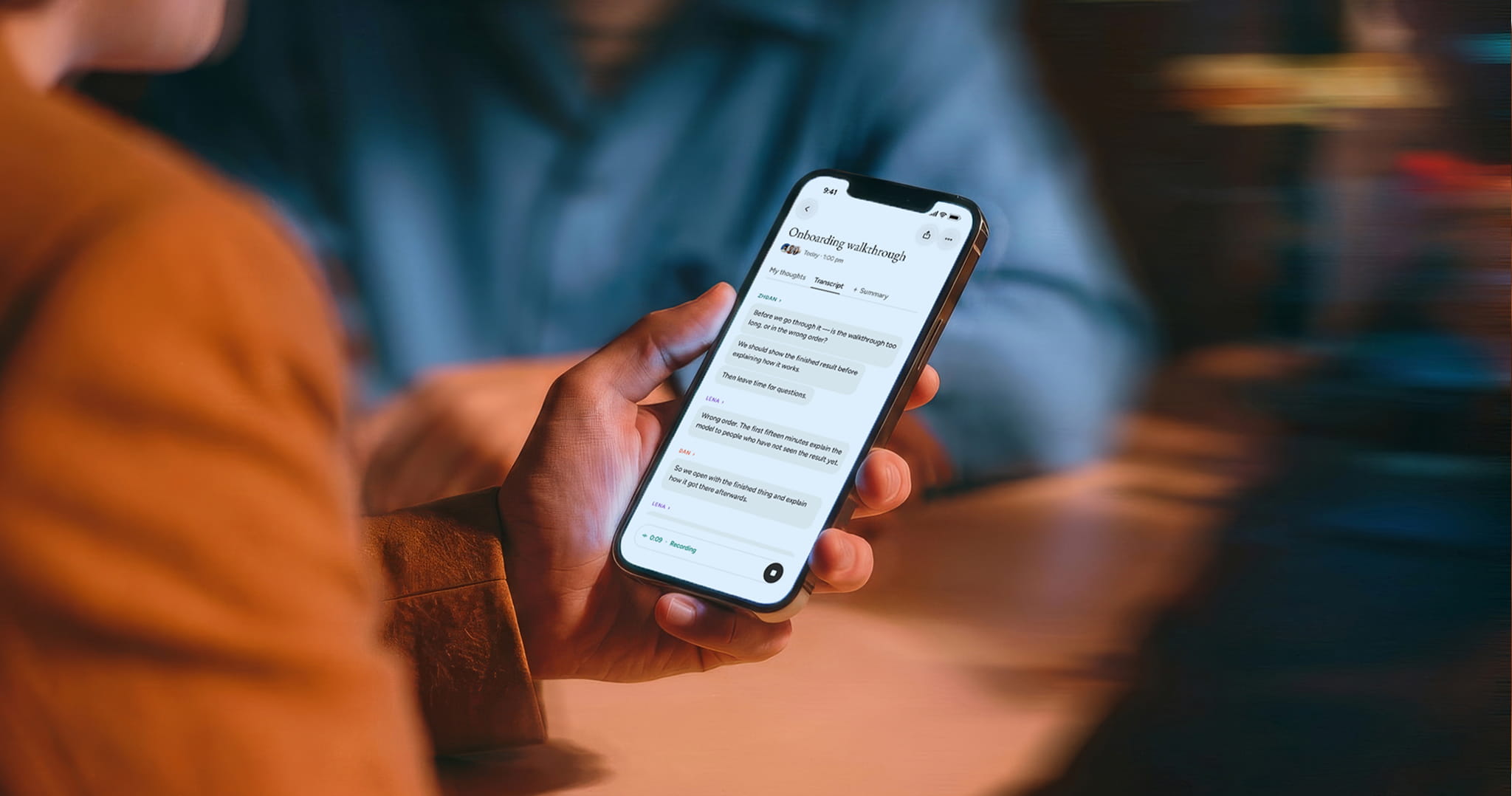
A workday runs on conversations. Some happen on a video call, but plenty happen in person: a client visit, a catch-up in a hallway, a walk with colleagues between meetings. Each one leaves behind details and commitments, and most of them get acted on later, after the next meeting, the next day, or weeks later when a project picks back up. By then, the details that matter most are the hardest to piece back together.
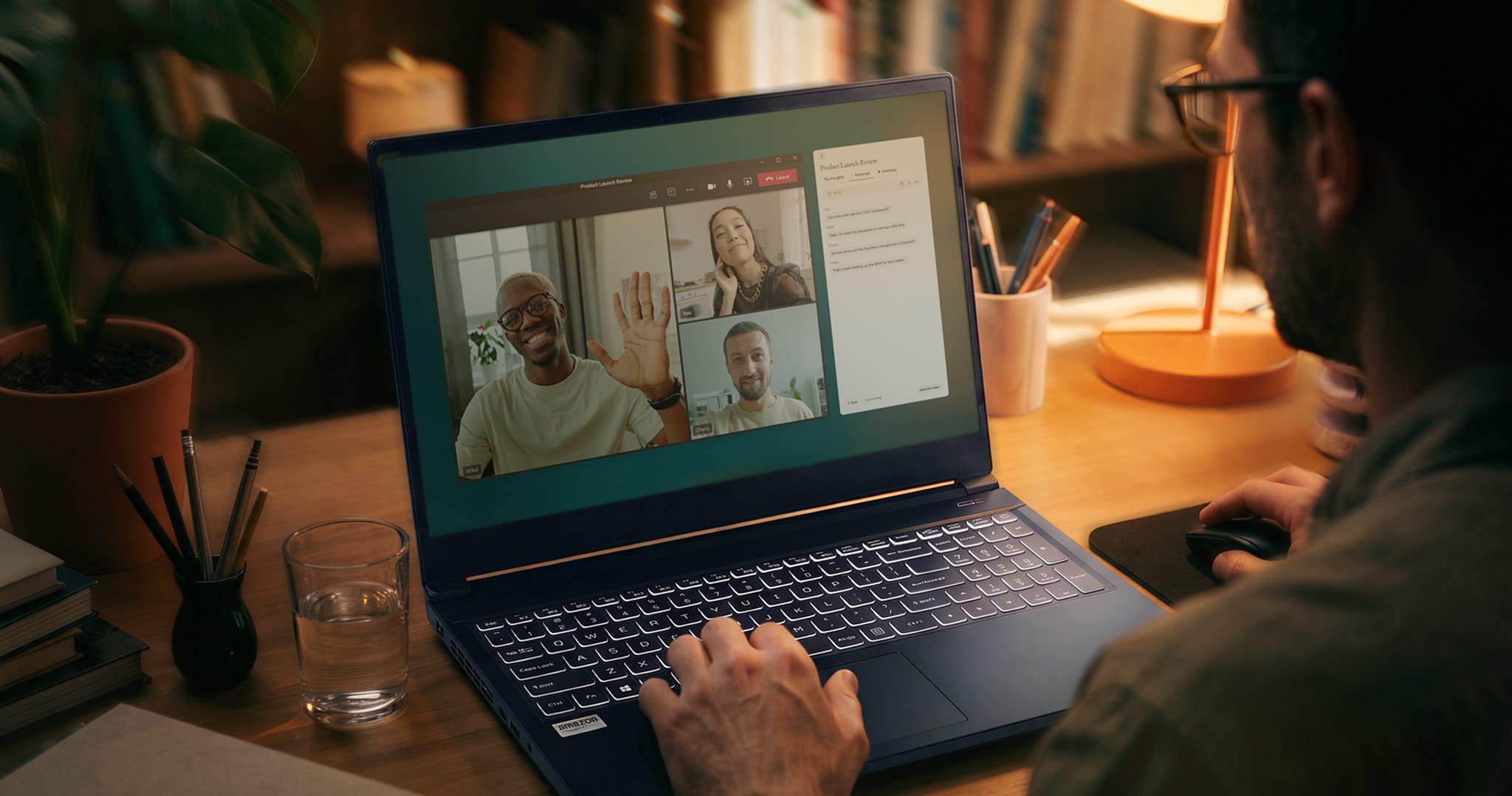
Today, Wispr Flow Notetaker comes to iPhone. On Mac and Windows, Notetaker already keeps a record of virtual meetings. Now it captures the conversations away from a desk too, along with the ideas that come between them, like a brainstorm on a walk or a quick recap after a meeting.
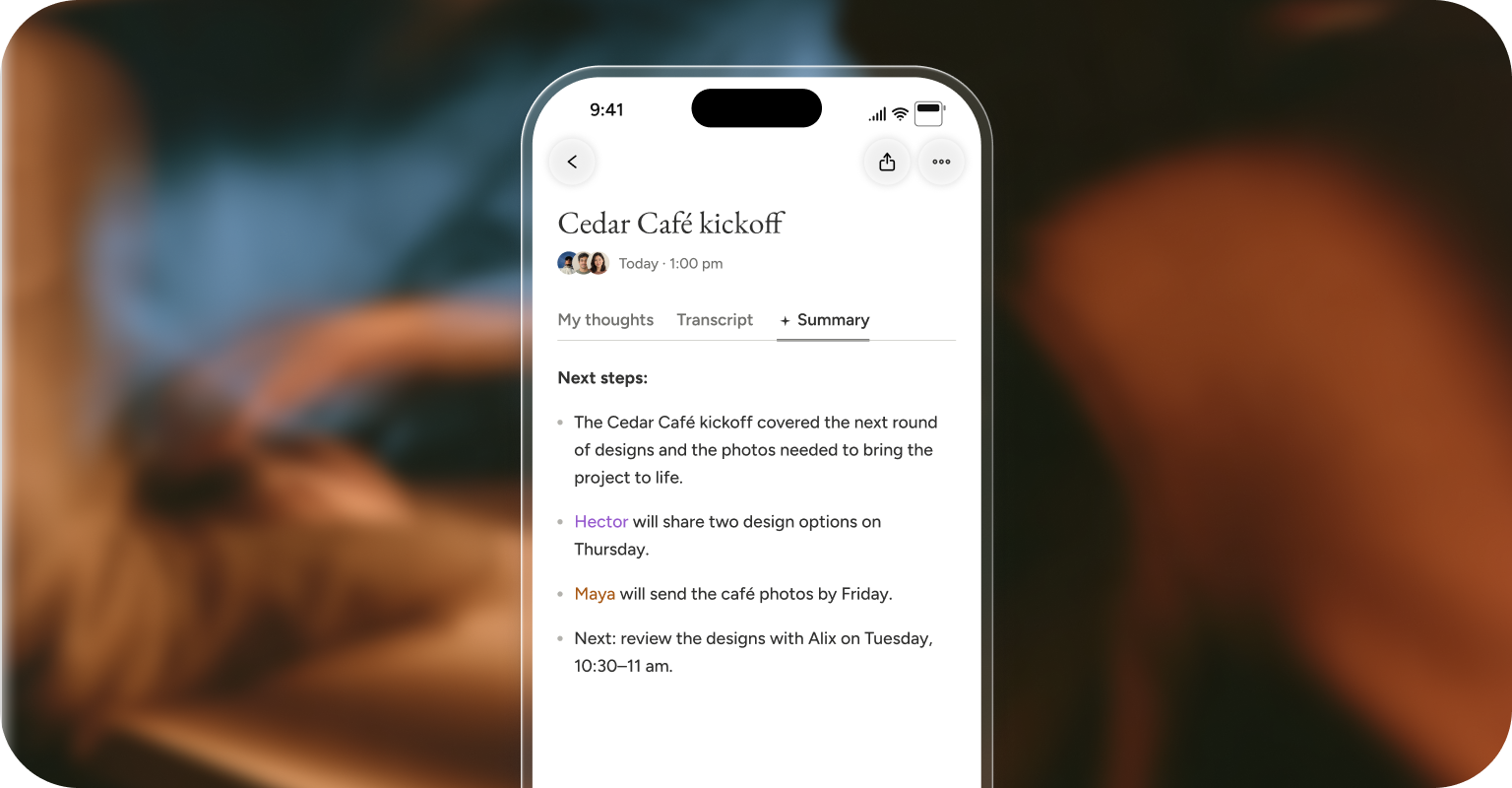
What comes back is a record you can rely on. Every conversation becomes a full transcript and a summary of what mattered: the decisions, the dates, and the next steps, with who owes what. Whether the work picks back up the next morning or a month later, the context is there.
Made for work on the move
Working on the go means a lot is already competing for your attention. Notetaker on iPhone is built to need as little of it as possible.
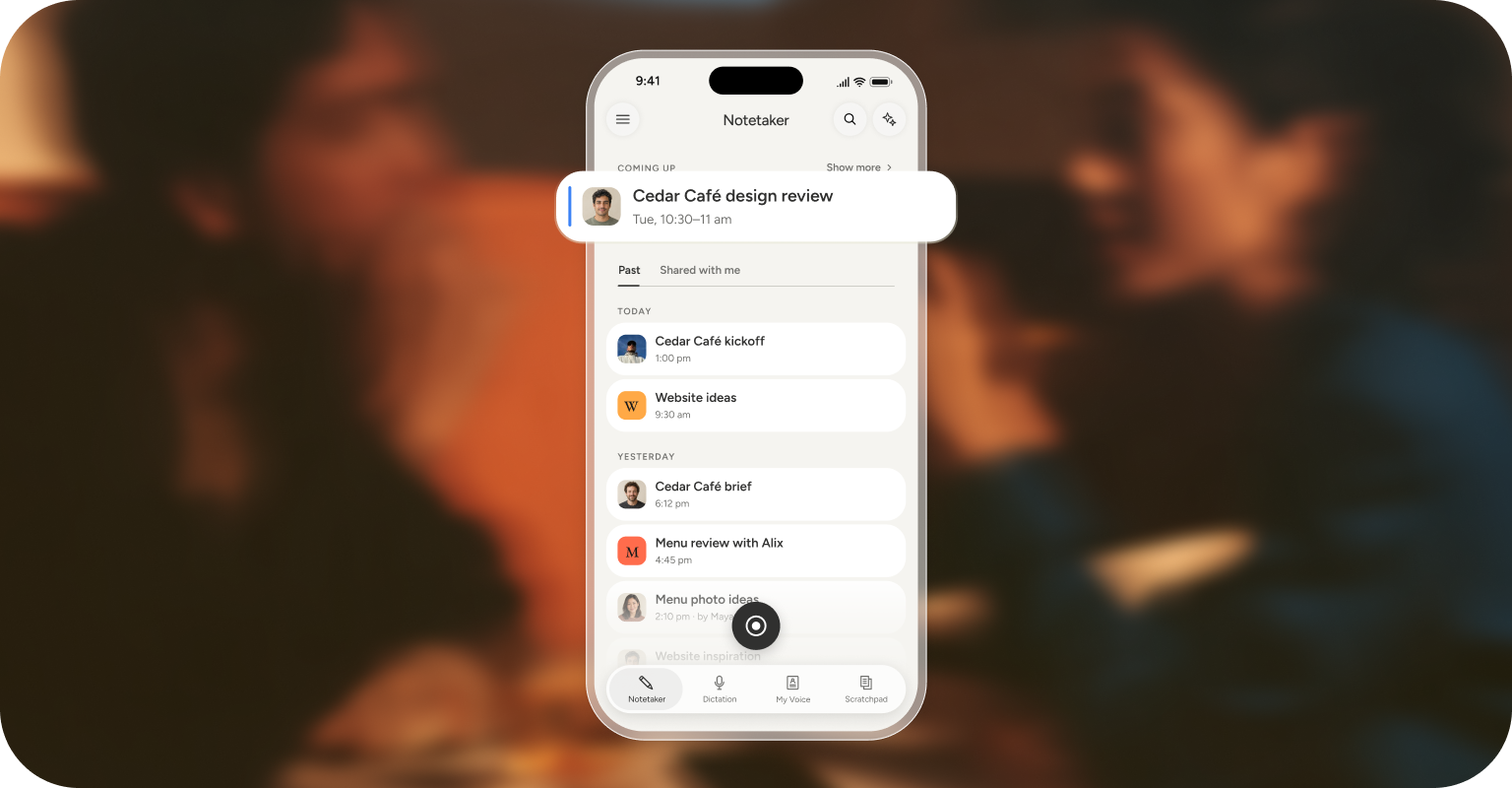
It’s quick to reach: start with one tap from a Home Screen or Lock Screen widget, Control Center, or the Action Button. With Google Calendar or Outlook connected, upcoming meetings show up in the app, so a recording can start from the event itself, and the notes are filed under it. If the signal drops, Notetaker keeps recording offline and processes the transcript and summary once the phone reconnects.
Notetaker on iPhone captures the conversation without taking over the phone. It keeps running when the phone locks or another app opens. On supported iPhones, the recording stays visible on the Lock Screen and the Dynamic Island, where it can be stopped with a tap.
Built into the workday
Much of a conversation’s value shows up afterward, when it’s time to revisit a decision, check what was promised, or prepare the follow-up. Two features, Search and Ask AI, turn individual conversations into knowledge that builds over time. Search pulls up a past meeting by a name, a topic, or a phrase someone used. Ask AI answers questions in plain language about one meeting or across all of them, like how a client’s priorities have shifted over the last three visits or what’s still open from this week’s conversations.
Notes taken on iPhone sync to desktop automatically, so they’re ready when you sit back down to the work. Conversations recorded on the go land next to the calls recorded on Mac or Windows, and Search and Ask AI cover all of them. On iPhone, Notetaker has its own tab in the Wispr Flow app. From there, notes can be shared with teammates who weren’t in the room. With the Wispr Flow MCP, those notes can also feed into Claude, ChatGPT, and other AI tools.
Privacy and control
Notetaker records only when someone starts it. A calendar reminder never starts a recording on its own, and while a recording runs, it stays visible on the Lock Screen. It records conversations in the room through the phone’s microphone. It doesn’t record phone calls or video calls joined on the phone. Every recording screen also shows a reminder to get consent from the people in the conversation.
For organizations, Notetaker on iPhone follows the same admin settings as desktop, and admins don’t set up anything new. If Notetaker is off for an organization, it’s off across all devices. Admins can toggle on consent confirmation and review audit logs showing who accessed notes and transcripts, including share-link views and MCP reads. As always, model training is turned off for Growth and Enterprise plans.
Get started on the go
The workday doesn’t stay at a desk, and neither do its conversations. With Notetaker on desktop and now iPhone, all of them land in the same place.
Notetaker on iPhone is available now and free for all users. Open the Wispr Flow app to get started.