





Talk for an hour. Find it in seconds.
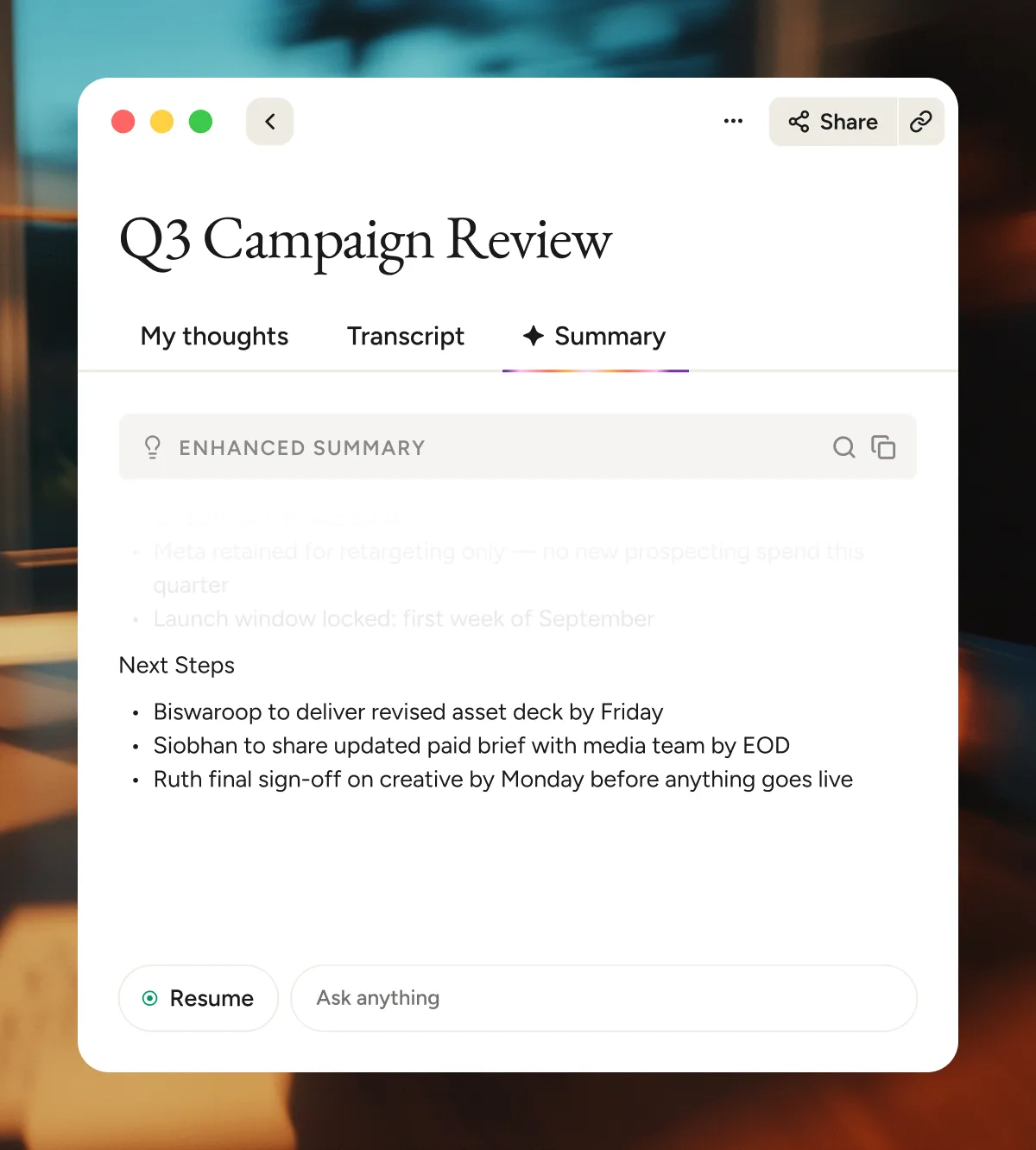
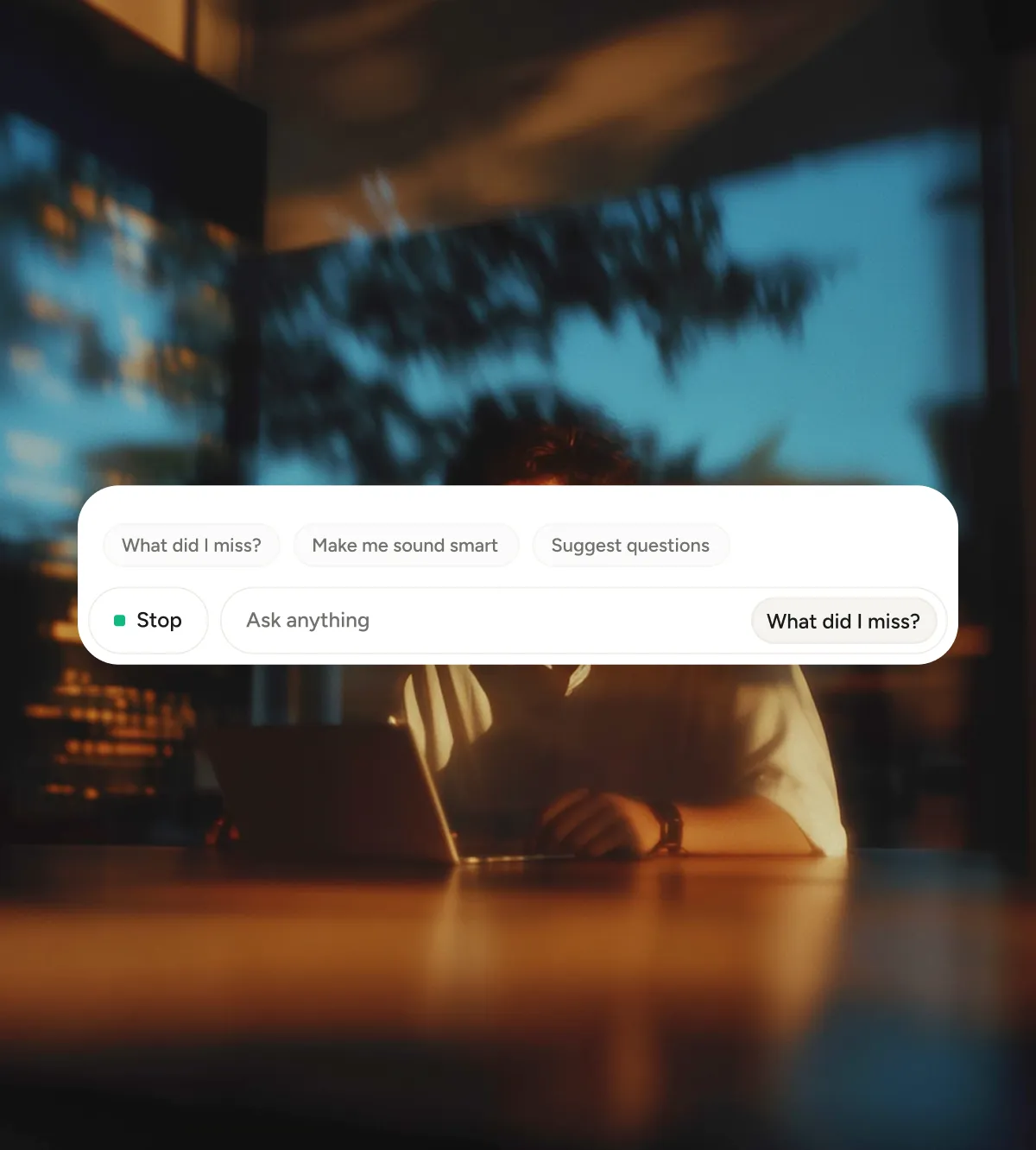
An AI meeting summarizer that organizes each call by topic, with key takeaways, decisions, and next steps up front. You can search the details anytime or ask your AI assistant questions about the meeting.
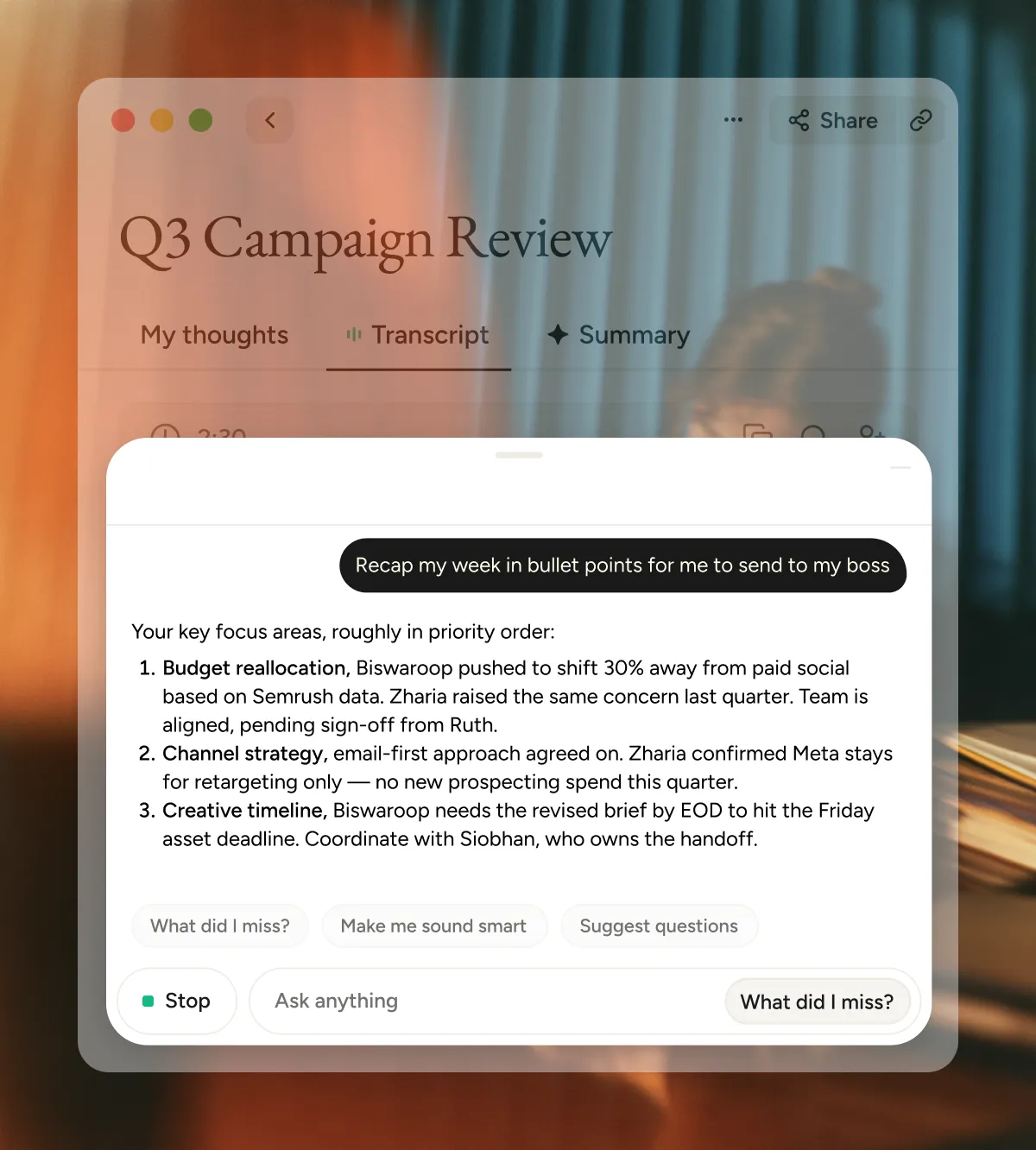
Fits into your workflow. Doesn't change it.

One click, start to finish
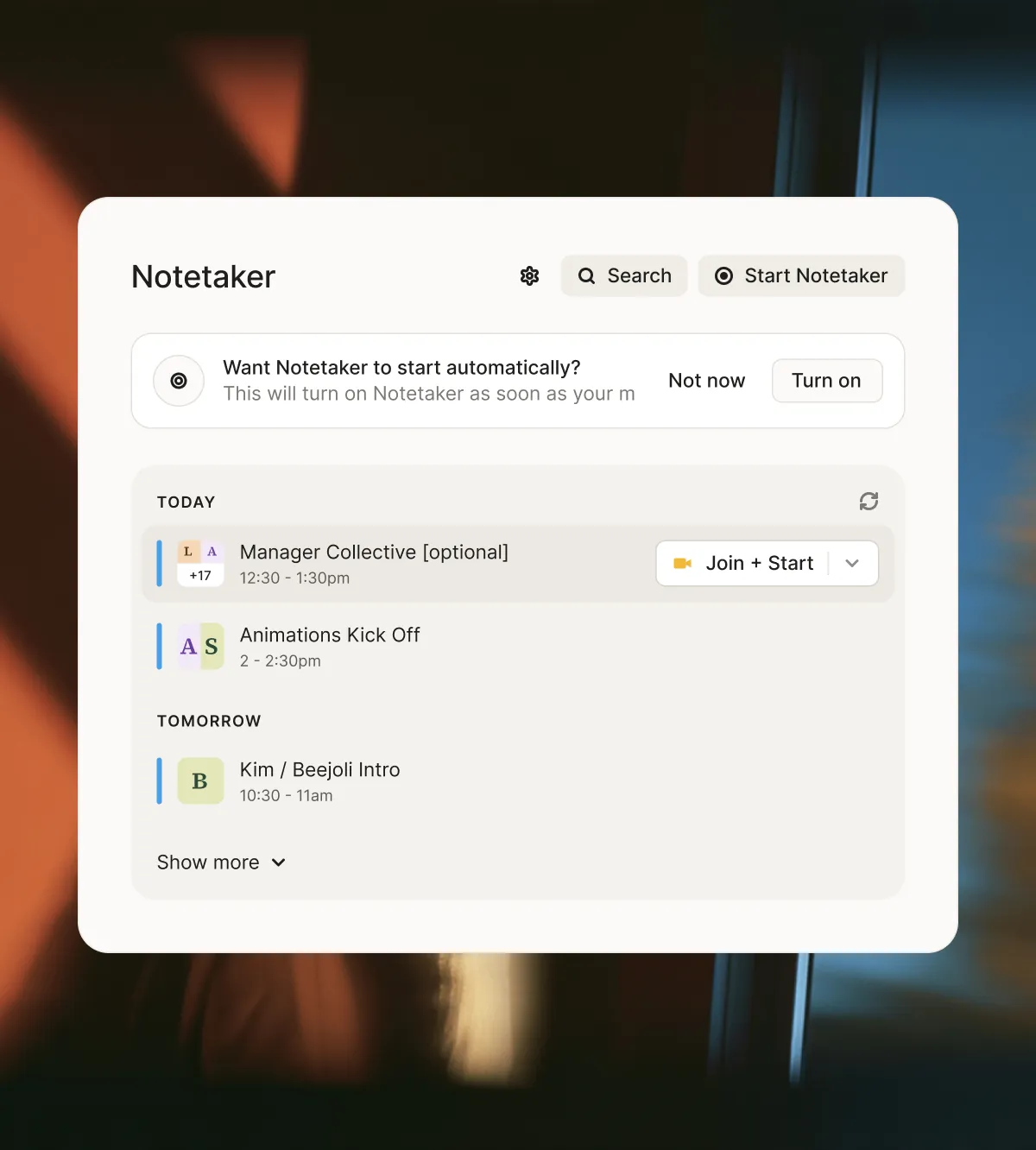
Notetaker handles everything from activation and consent requests to transcription, then wraps up your meeting with neatly summarized takeaways.

Whatever you use
Easily transcribe and summarize both virtual and in-person meetings, and move seamlessly between platforms.
Connects with your AI
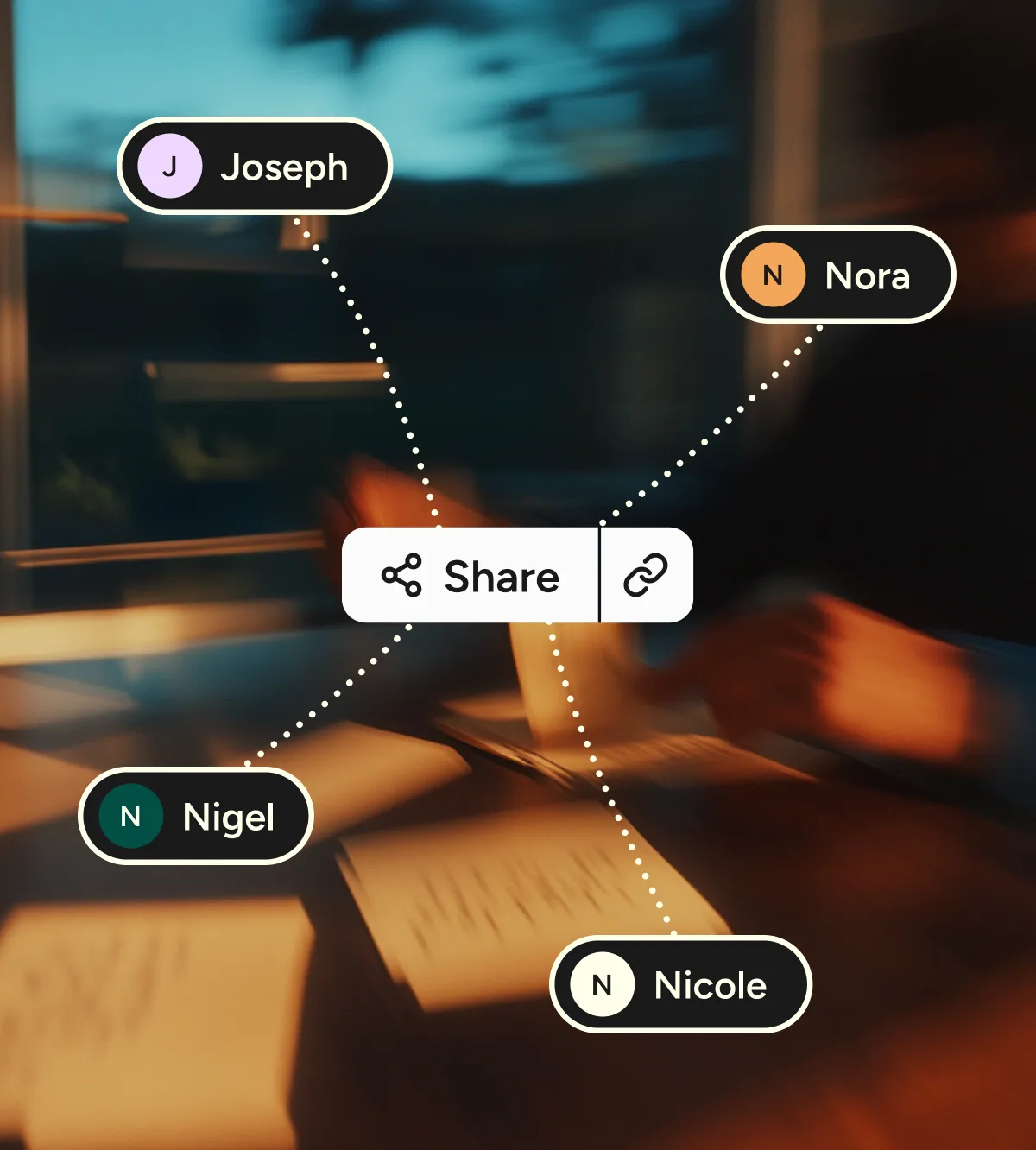
The AI summary is only the beginning. Ask Notetaker to retrieve details, share takeaways with teams, or connect with your choice of MCP.
Switch without losing a thing.
Coming from Granola or Otter?
Bring your past meetings and notes with you, and search them alongside every new AI meeting summary.

“Wispr Flow's dictation has always felt like magic. With Notetaker, that magic has gone multiplayer with no extra setup, perfectly formatted notes, and summaries that are actually useful.”

“Wispr Flow's dictation has always felt like magic. With Notetaker, that magic has gone multiplayer with no extra setup, perfectly formatted notes, and summaries that are actually useful.”
“Notetaker has become my constant companion for all meetings. It helps me to focus much more on the meeting content with the confidence that high-quality notes and next steps will be magically produced.”
“Every important thing I do starts with a conversation. I trust Wispr Notetaker to capture it accurately, so I can focus on what comes next.”
.webp)
“I’ve connected Wispr Flow Notetaker to the other agents I run, and they do noticeably better work with its transcripts. The accuracy makes a difference beyond the meeting itself.”
You might be wondering.
Questions
It keeps what the meeting produced: decisions, agreed-upon next steps, who owns them, and anything still open. Each point is written as a plain statement, not a quote. A 30-minute planning call might come down to “Launch moves to March 3. Sam owns the webinar. Budget approved at $25K.” Small talk and tangents get left out.
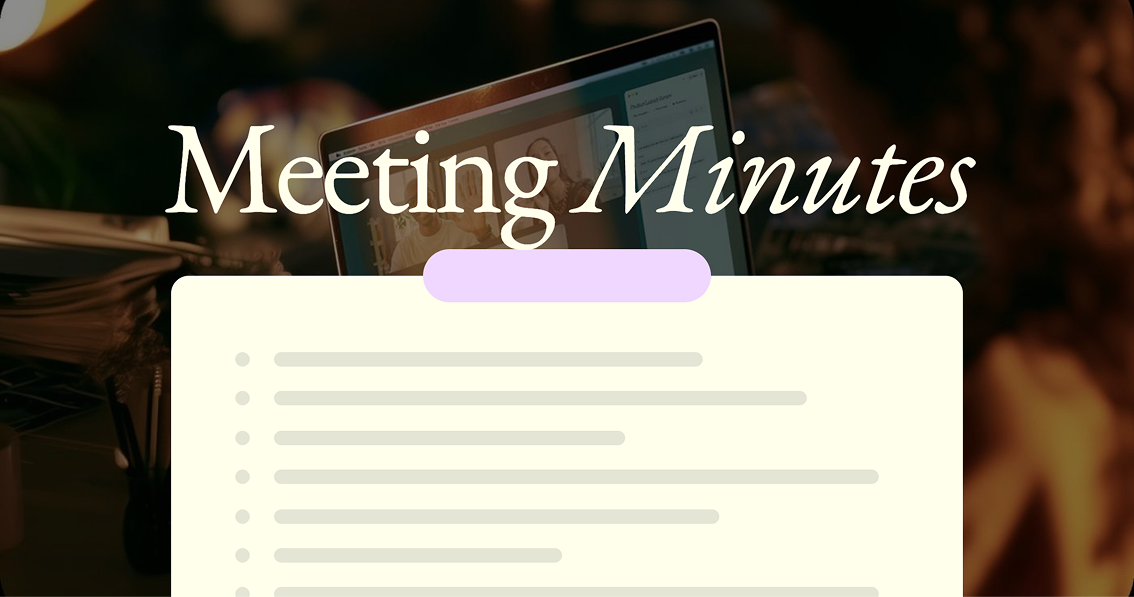
Each summary starts with a short overview of the whole meeting, then breaks the rest into topic sections with a few bullet points apiece. People are called out by name, and an estimated read time sits at the top.
Only you, until you share them. A link lets anyone who has it read the summary, while the full transcript stays limited to people you invite by email. Turn on org insights for a meeting, and your organization’s AI can draw on it too. You can switch it off from the meeting’s header.
As long as you want. In your Notetaker settings, keep summaries and transcripts indefinitely or have them deleted automatically after 1, 7, 30, 90, 180, or 365 days. You can also delete any meeting yourself, anytime.
Not right now. Notetaker handles meeting transcription and summary for calls it captures on your Mac or Windows computer, online or in person. If your past meetings live in Granola or Otter, import them, and they become searchable alongside your new ones.
Your notes are exactly what you typed during the meeting, kept in their own tab. The summary is Notetaker’s version of the whole conversation, built from the transcript. You get both, so your own reminders never get buried in the recap.
Yes. Through MCP, Claude, ChatGPT, and Gemini can pull from your summaries. Draft a project update from three weeks of standups, or ask for every customer request that came up this quarter.
Yes. Edit the summary right in Notetaker, and correct or flag any line of the transcript. Fixing a speaker’s name once updates it everywhere it appears.
Notetaker supports 21 languages: English, Spanish, French, German, Portuguese, Italian, Dutch, Russian, Polish, Swedish, Danish, Czech, Chinese, Japanese, Korean, Hindi, Marathi, Bengali, Urdu, Arabic, and Turkish. Other languages may work, but results will vary until they’re officially supported.
Any call your computer can hear, including Zoom, Google Meet, Microsoft Teams, Slack huddles, Discord, WhatsApp, FaceTime, and calls in your browser. It also covers in-person meetings through your laptop’s mic. Notetaker runs on Mac and Windows.
Answer
{{FAQ Answer}}




.webp)
Notetaker turns every call into a summary your team can read, share, and search.

