



Don't type, just speak
Your voice becomes clean, finished writing - emails, messages, prompts, anything - wherever you work.


“Flow is the first tool that keeps up with how fast I think. I talk, it writes — across every app I use, in any language.”

“A must-try AI tool.”

“Wispr Flow is by far the highest ROI product I've used to date: saves me 1.5 hours per week — I am now 2.5X faster at clearing my inbox, articulating my thoughts & capturing reflections.”

“In my work, Wispr Flow is as crucial as ChatGPT or Claude. This is a testament to how good the product is. It’s genuinely a delta 4 product. I don’t think I can go back.”
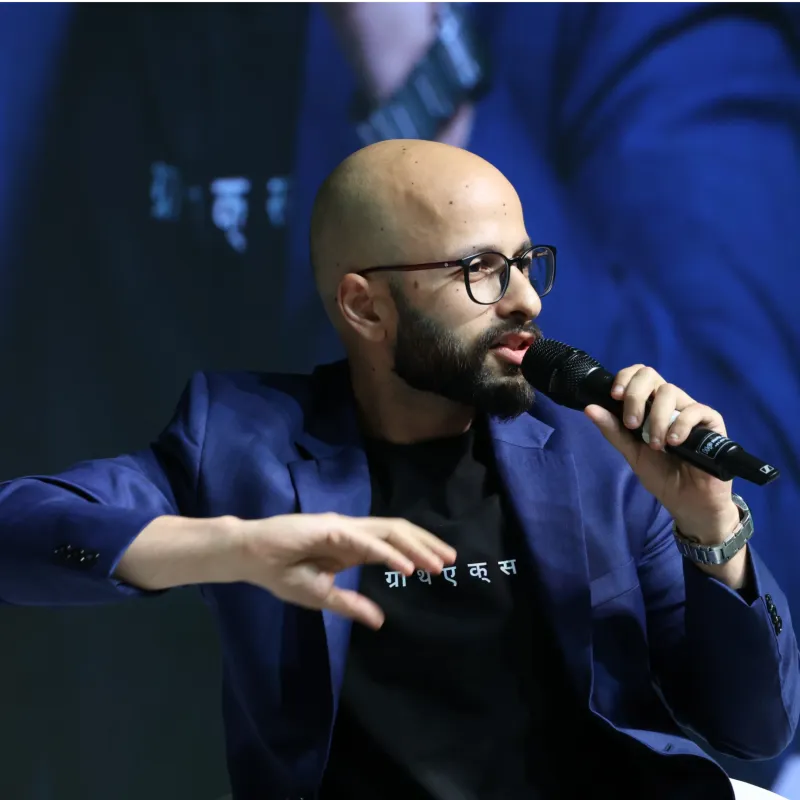
“One piece of software that is WisprFlow has single-handedly changed my behavior on PC from being type-first to being voice-first. It’s voice-to-text transcription accuracy is just phenomenal.”

Used by professionals everywhere







4x faster than typing
Voice that finally works is here. Flow lets you create, code, message, and write at the speed of thought, 4x faster than your keyboard.

45 wpm

220 wpm
As seen on CNBC
Speak more context. Get better answers.
Your best thinking doesn't fit in a typed prompt. Talk through the full picture and Flow turns it into a clear, detailed prompt — in Hindi, English or Hinglish. More context in, better answers out.
Write me a blog post about productivity tips.

Write a blog post about how I restructured my morning routine after burning out last year. The audience is founders in their 30s who are working too much. Keep it conversational, not preachy. Around 800 words. I want it to feel like advice from a friend, not a listicle.
Your voice stays yours
We never sell your data. With “Improve the model for everyone,” you can choose whether Wispr may use your Dictation data to improve AI models.


.png)
Frequently asked
What devices will Wispr Flow support?
Flow is available on Mac, Windows, iPhone, and Android (OS 13 or newer).
What languages does Flow support?
Flow supports 100+ languages, including हिन्दी, Hinglish, Español, Português, Français, Italiano, ไทย, 中文, 日本語, 한국어, Русский, العربية, and more.
For best results, we recommend selecting your preferred language(s) in Settings and using one language per dictation.
Will Flow support tablets, Chromebooks, or foldables?
While Flow supports tablets and foldables, the experience is not yet optimized for these devices.
Does Flow work offline?
No. Flow requires an internet connection to transcribe your speech using our fastest models.
How much will Flow cost?
Flow is free to get started with unlimited dictation. No credit card required.
Snippets, Styles and AI commands are in the free plan. Flow Pro removes the weekly limit.
- Monthly: ₹400 per user/month
- Annual: ₹320 per user/month (billed annually)
Flow is free for everyone. Students and educators get 50% off Flow Pro. See our Pricing page for full details.
What payment methods are accepted?
We accept UPI and Cards (Visa, Mastercard, American Express, and Discover). You can also pay via for faster checkout.
What apps does Flow work in?
Flow works in most apps that use standard text fields. A small number of apps with custom input systems may not yet be supported.


On-the-go or at your desk
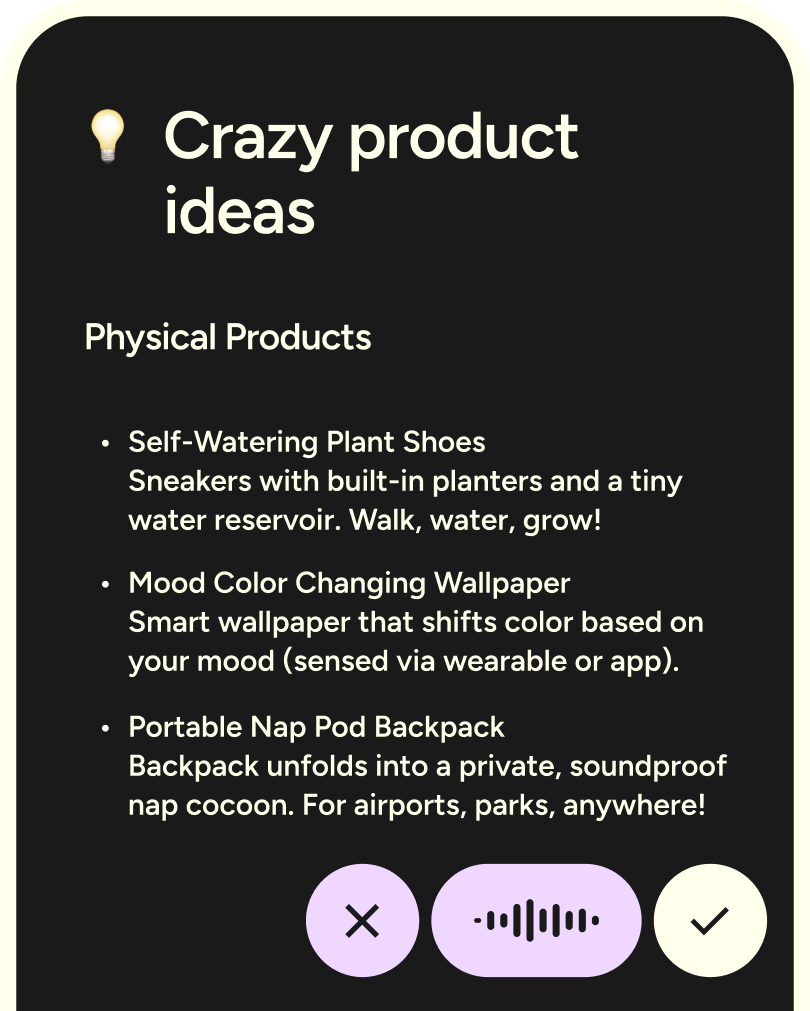
Flow is the only voice-to-text tool that works on any app or device, with your personal dictionary, style, and settings synced everywhere.
Download for free




.svg)
Flow, wherever you work
Flow isn’t just for mobile. Use it on desktop when you need more space, and on your phone when you’re on the move.
.webp)
Write with your voice everywhere
Download Flow and turn speech into clear writing wherever you are.

